Android Backup Data Now Counts Against Google Storage Quota — What You Should Know
Google has updated its storage policy to include Android backups, which now count against your Google account storage. Previously, data such as SMS, call history, and device settings were exempt from this quota, with only Google Photos and MMS impacting your storage limits.
Changes to Storage Policy
This recent adjustment in Google's storage policy is significant, particularly for Android users accustomed to a certain degree of freedom regarding backup data. Traditionally, users felt reassured knowing that critical data, such as SMS messages and app settings, wouldn’t consume their storage allowance. However, beginning July 7, this has changed. Now, various types of backup data—including app settings and configurations—contribute to your total Google storage, which could lead to unexpected storage pressures for some users.
What this means for you is that, if you haven’t been managing your backup data wisely, you might encounter storage issues sooner than anticipated. In an era where many rely heavily on cloud storage for both personal and professional use, the importance of monitoring storage has never been more pronounced. As more data accumulates, users could find themselves scrambling to manage their stored information efficiently.
New Controls for Better Management
However, amid these changes, Google has also offered users enhanced control over what specific data gets backed up. The introduction of new settings allows individuals to toggle the backups of call history, device settings, and app data. This updated approach grants users a clearer insight into their storage use, which could potentially lessen the storage strain for those who previously had little knowledge of what was being backed up.
The implication is clear: while some users may face an increase in overall storage usage, many will also be empowered to make informed choices about what they back up. This approach reflects a broader trend in user-centric design, where companies seek to provide more granular control over personal data. If you're working in this space, this shift could be indicative of a larger push across industries to promote transparency and personalization in how data is managed.
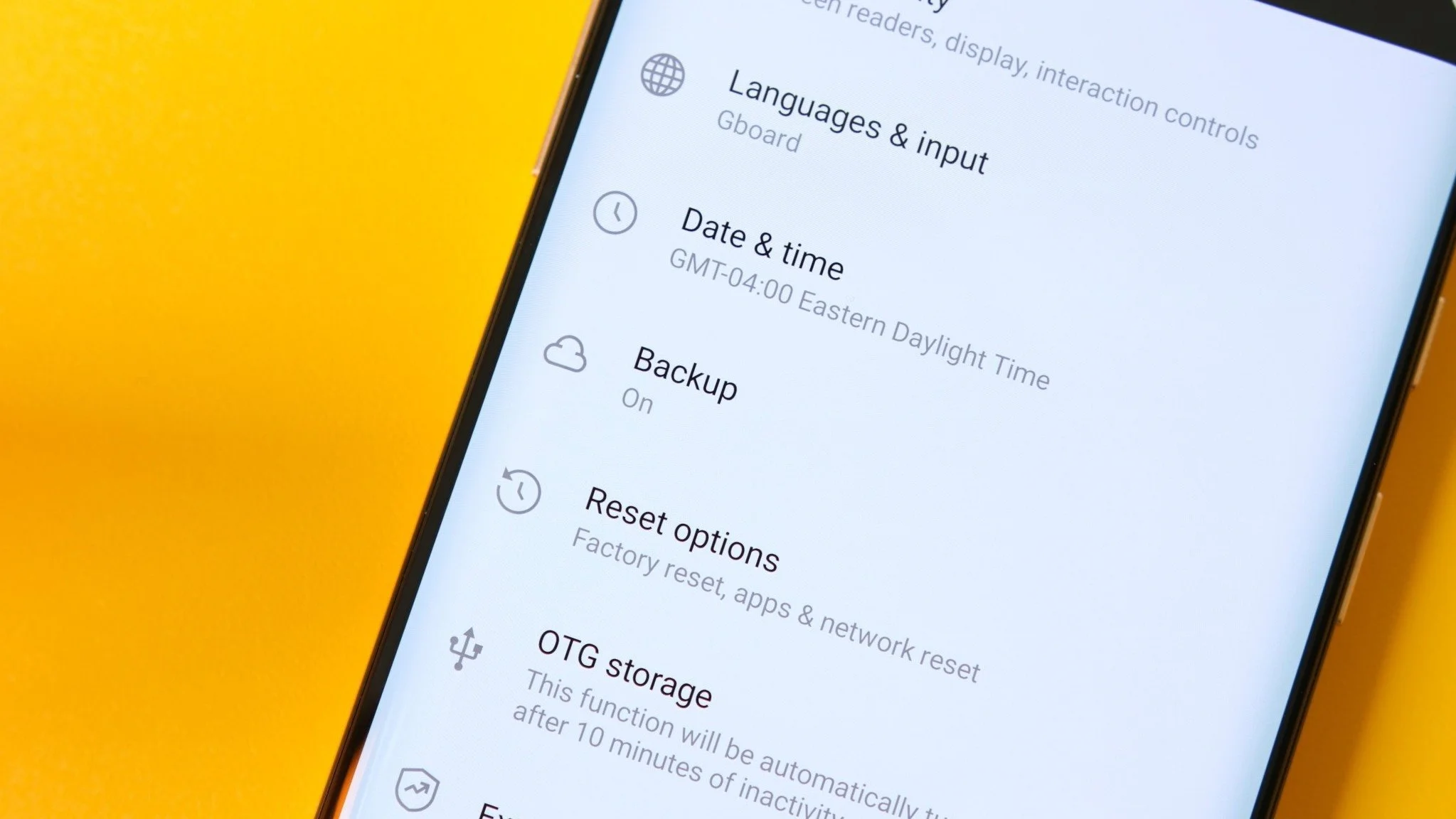
Understanding Average Backup Sizes
Many users likely won’t feel a significant change due to the modest size of average Android backups—Google reports that they typically hover around 40MB. However, that figure could be misleading. While the average size appears manageable, individual user experiences will vary widely based on the types of apps installed and the amount of data they generate daily.
Moreover, backing up applications that handle large media files or extensive configuration settings can result in larger backup sizes. As these backups accumulate over time, what seems minor could snowball into a considerable storage burden. Users must remain vigilant about their storage habits, as failing to manage their data may lead to abrupt storage issues, requiring decisions about what to keep and what to purge.
Future Considerations for Heavy Users
For those who handle substantial amounts of data, opting for Google One or other paid storage options might become necessary for added capacity. As consumers increasingly shift towards using more applications and storing more data, it’s logical that their storage needs will scale accordingly. This trend underscores a fundamental aspect of cloud storage philosophy: the most efficient solution often comes with a price tag.
The rollout of this update began recently, with a gradual implementation expected for existing accounts over the next few months. Those who haven't yet experienced the change should prepare for it; adjustments made today could enhance your experience tomorrow. Keep in mind that understanding how to navigate these settings can help mitigate any adverse effects resulting from the policy change.
Android Central's Perspective
Personally, I was under the impression that Android backup data already factored into my Google storage—but it turns out I was mistaken. This update doesn’t disrupt my experience, and honestly, I find the new granular controls particularly advantageous. The ability to customize what data is backed up is a feature that should have been available earlier, so it's satisfying to see it finally introduced.
Implications and Significance
The changes to Google’s storage policy reflect a broader understanding of user needs in an increasingly digital-centric world. Users have a right to know exactly how their data is managed and what it costs them. They also want control; the old policy lacked transparency, which could undermine user trust. Empowering users to make informed decisions about their data is not only beneficial for them but also strategically advantageous for Google, fostering loyalty as users seek more control over their digital lives.
This update is about more than just storage—it's a step toward establishing a relationship with users that emphasizes trust and accountability. Companies like Google must keep this principle in mind as they face growing scrutiny regarding data privacy and management. As the digital landscape continues to change, how companies navigate these waters will significantly affect their user base and reputation in the long run.