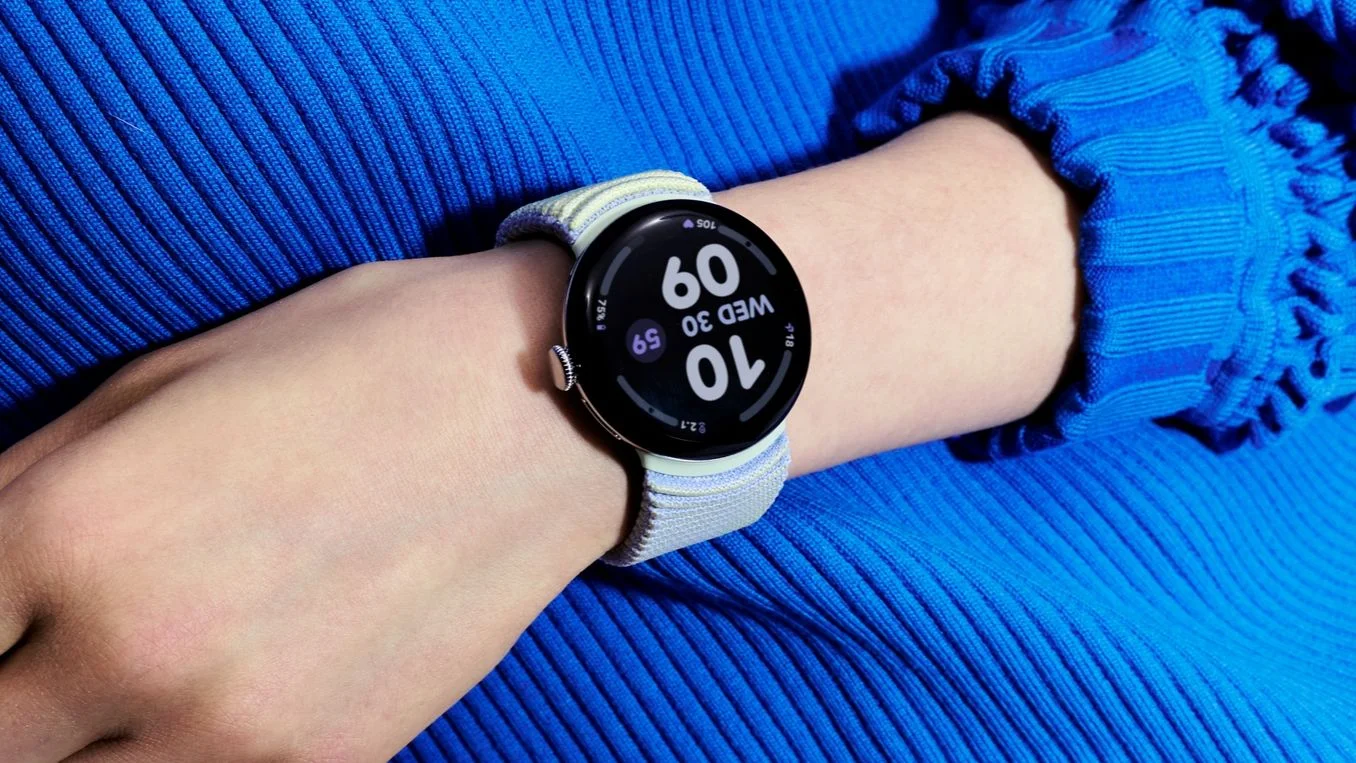
Google Pixel Watch Battery Drain Fix Rolls Out Through Play Store Updates
A Pixel Watch battery that lasts roughly 12 hours can turn an ordinary day into a charging problem, even when the watch sees little use. Google says a small number of devices across multiple generations have been affected and that a fix is rolling out. The company expects that process to finish within the next couple of days.
That estimate gives owners a window for the problem to clear, but it doesn’t explain what caused it. Google hasn’t identified the app or background process responsible for the drain, leaving users with a practical update step rather than a specific diagnosis. This is more significant than it looks: a watch’s battery depends on many software components working together, and unusually fast drain can be difficult to trace from the user’s side.
What the battery drain means
Battery life on a smartwatch reflects more than the time its screen is lit. Apps and background services can perform work while the watch appears idle, and a problem in that activity can keep drawing power between interactions. The source of this incident remains unknown, so it’s not possible to say which component is involved or whether every affected watch behaves the same way.
The reported drop to roughly 12 hours is a sharp change for owners who normally get substantially longer use from their device. But Google’s description points to a limited incident: it says the issue affects a “small number of devices,” and the affected watches span multiple generations. That suggests owners shouldn’t assume every Pixel Watch has the problem, even as those seeing a sudden decline have reason to act.
Here’s the thing: when the cause is unclear, a broad software fix can reach users before a company can publicly name the exact process behind an issue. That may be the quickest practical response, but it leaves owners without a clear way to diagnose the problem themselves.
How to install the fix
Google’s recommended step is to update every app on the watch through Google Play. On the Pixel Watch, open the Play Store, scroll to Manage apps, then tap Update all. Google says this will deliver the fix as it reaches affected devices.
Updating apps is a straightforward step, though the instruction doesn’t identify which app—or whether an app is the underlying cause at all. The fix may arrive as the rollout progresses, so updating once shouldn’t be treated as proof that every affected device has already received it. If you’re working through the issue, check the watch’s app updates and give the rollout time to complete.
Why the cause is still unclear
Google hasn’t named the app or background process behind the battery drain. That limits what owners can infer from the symptom: fast battery loss alone doesn’t reveal whether a particular app, a software interaction, or another background task is responsible. Similar software problems can show up as a simple battery percentage decline even when the underlying activity isn’t visible to the person wearing the watch.
And yet, the company has provided a concrete response: a fix has begun rolling out, with app updates as the route for delivery. The gap is diagnostic. Until Google identifies the cause, users can follow the update instructions, but they can’t use the information in the statement to pinpoint which app or process was consuming power.
What owners should watch for
After updating, owners should pay attention to whether battery life returns to its usual pattern over the next few days. If the watch still loses charge unusually quickly, Google advises checking again as the rollout completes. A single observation may not establish whether the fix has arrived, particularly while the company says distribution is still underway.
(And this is the part most people overlook.) A software fix that’s rolling out can take time to reach affected devices, so the timing of an update matters when judging whether the issue has cleared. The company’s stated window is the next couple of days.
For now, the guidance is narrow: update all watch apps in Google Play and see whether battery life improves as the fix arrives. The instructions are simple. The explanation remains incomplete.
Implications for Pixel Watch owners
This incident puts the emphasis on software maintenance as part of smartwatch ownership. A watch can appear lightly used and still lose power quickly if background activity is misbehaving, while the visible symptom offers little clue about the source. Owners shouldn’t have to guess at a cause that Google hasn’t disclosed.
The company’s statement, as reported by Android Authority, confirms both the limited scope Google describes and the start of the fix’s rollout. Whether that resolves the experience for every affected owner will become clearer as the rollout finishes. Until then, the useful test is whether the watch’s battery behavior returns to normal after its apps are updated. A waiting game.