Unlocking ChatGPT's New Features: Your Digital Workspace in 2026
ChatGPT has transitioned from a simple conversational tool to a multifunctional digital workspace over the past few years. As its capabilities expand, it's crucial to understand how to harness its potential beyond simple chat interactions.
The platform now allows users to manage projects, remember preferences, conduct detailed research, and more, making it a vital asset for professionals seeking enhanced productivity. Ignoring these features means missing out on some of the most significant advantages ChatGPT offers today.
1. Project Management Made Easy
For anyone yet to explore the Projects feature, this could be the most impactful enhancement. By organizing ongoing tasks within a dedicated space, I can keep track of active writing projects alongside personal and family organizing tasks. ChatGPT retains context, making it easy to resume work without repeating prior discussions.
2. Streamlined Reminders
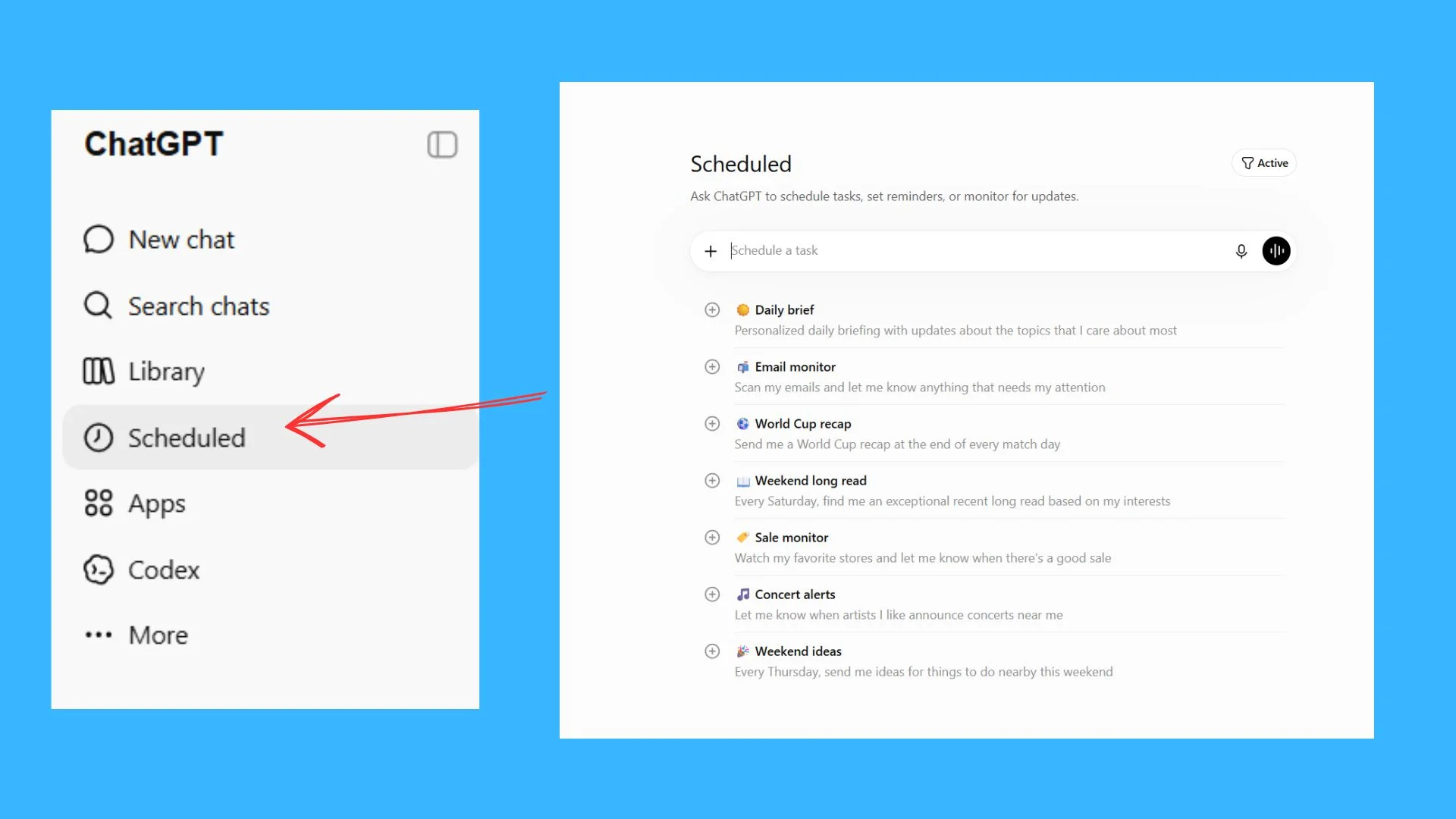
Forget juggling multiple reminder apps; now I can simply ask ChatGPT to remember tasks. Using the Tasks feature, I set everything from one-time alerts to recurring reminders, ensuring nothing slips from my radar. For instance, I regularly check in on pending projects or trending AI news from a single point of organization.
3. Tailored Work Preferences
With a smarter memory system in place, ChatGPT adjusts to my preferences automatically. This means less time repeating requests for style and substance in responses. Instead, I receive personalized answers that align with my work style.
4. Improved Research Functionality
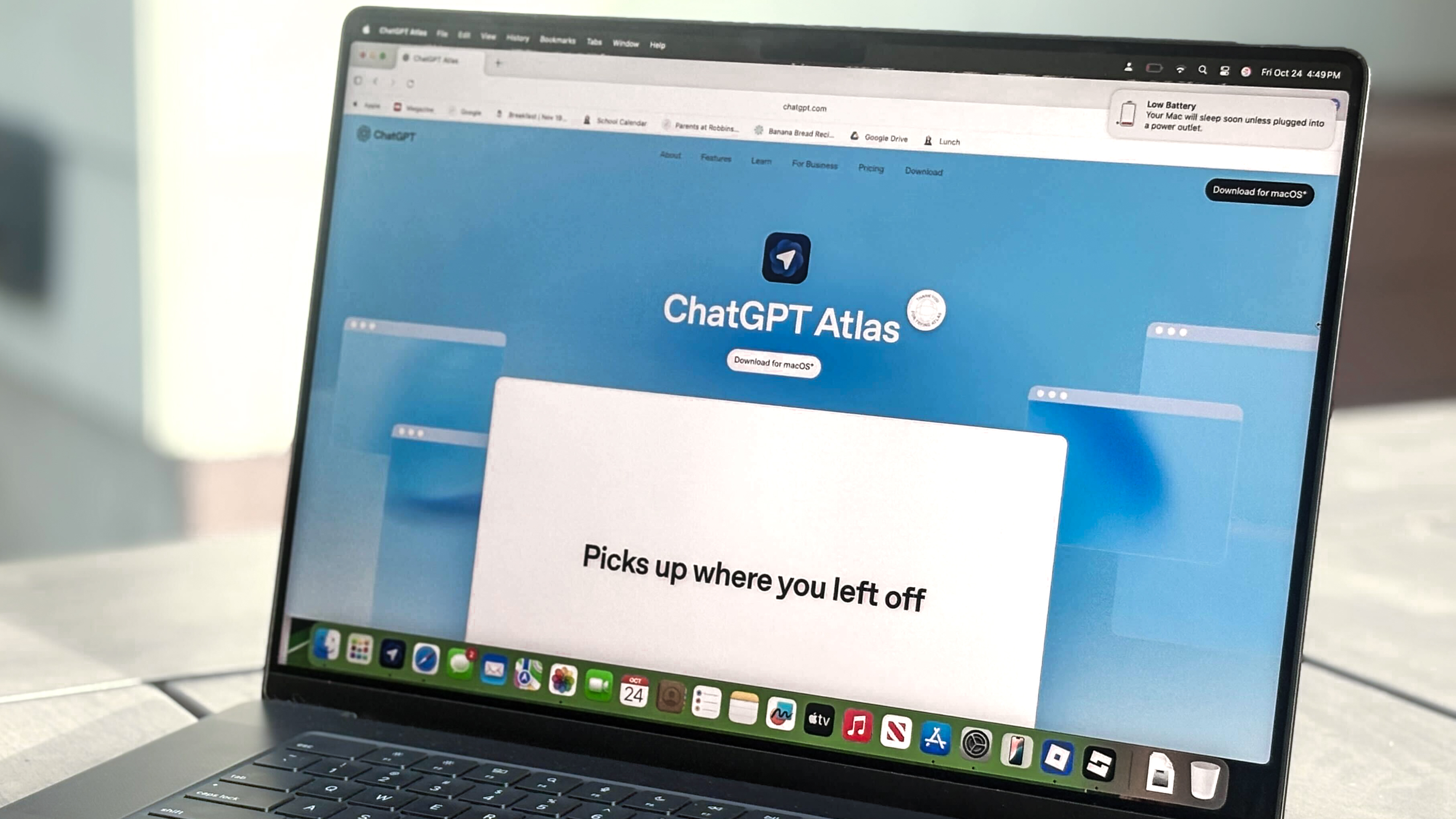
A standout feature is Deep Research. ChatGPT's ability to dedicate time to thorough inquiries means I receive well-researched, structured reports instead of shallow summaries. This has become my first stop for understanding complex announcements or exploring various subjects.
5. Understanding Visual Content
ChatGPT's expanded visual comprehension allows it to interpret everything from handwritten notes to PDF documents. I can simply upload these materials, and it extracts key information, sparing me the hassle of sifting through multiple pages. Plus, with Voice and Vision capabilities, my questions can be answered in real-time.
6. Conversational Fluidity

The evolution of voice mode has led to unexpectedly natural conversations. Whether I'm cooking or brainstorming while walking, chatting with ChatGPT feels like conversing with a colleague, often prompting new ideas.
7. Visual Generation and Editing
The advancements in image generation are remarkable. ChatGPT can now create and refine visuals based on simple prompts. I find it particularly useful for drafting illustrations or social media graphics, allowing me to experiment without launching complex design software.
8. Integrated Work Editing
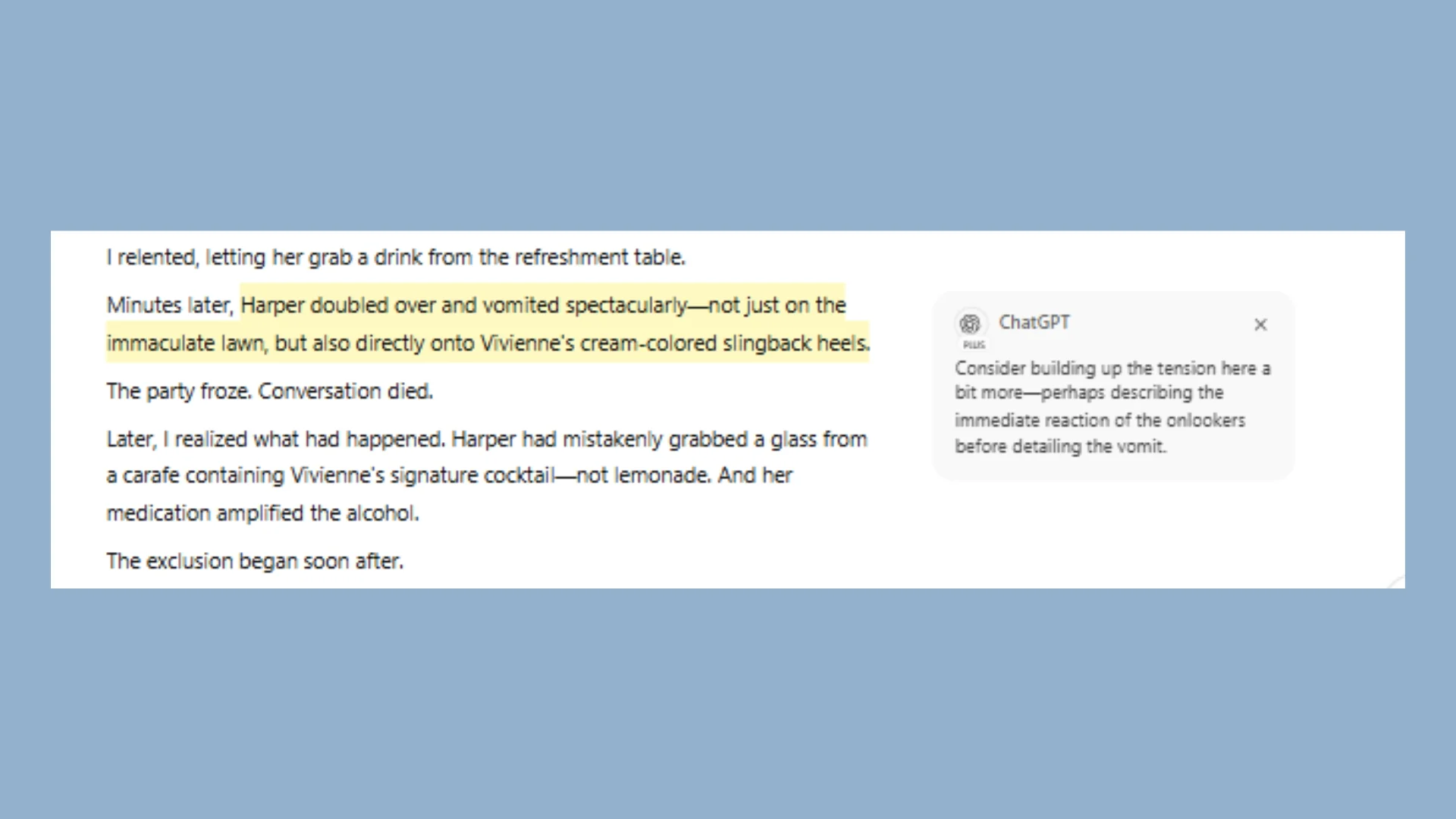
With Canvas, editing content—from writing to coding—can happen in one streamlined workspace. This removes the need to juggle various drafts across platforms. It also allows for in-platform editing of tools like Canva, making it easy to update designs or create presentations all in one environment.
9. Real-Time Web Browsing
While ChatGPT shouldn’t be solely relied upon like a search engine, its new ability to browse the web addresses previous limitations. For current product launches and timely AI discussions, I let ChatGPT comb the internet for information, enhancing its utility for staying informed.
10. Thoughtful Problem Resolution
Another often-overlooked feature is ChatGPT's approach to complex inquiries. The newer reasoning models don't rush; they tend to process multifaceted questions before arriving at answers. This deliberation improves the quality of insights, especially in areas like debugging and strategic planning.
11. A Digital Teammate
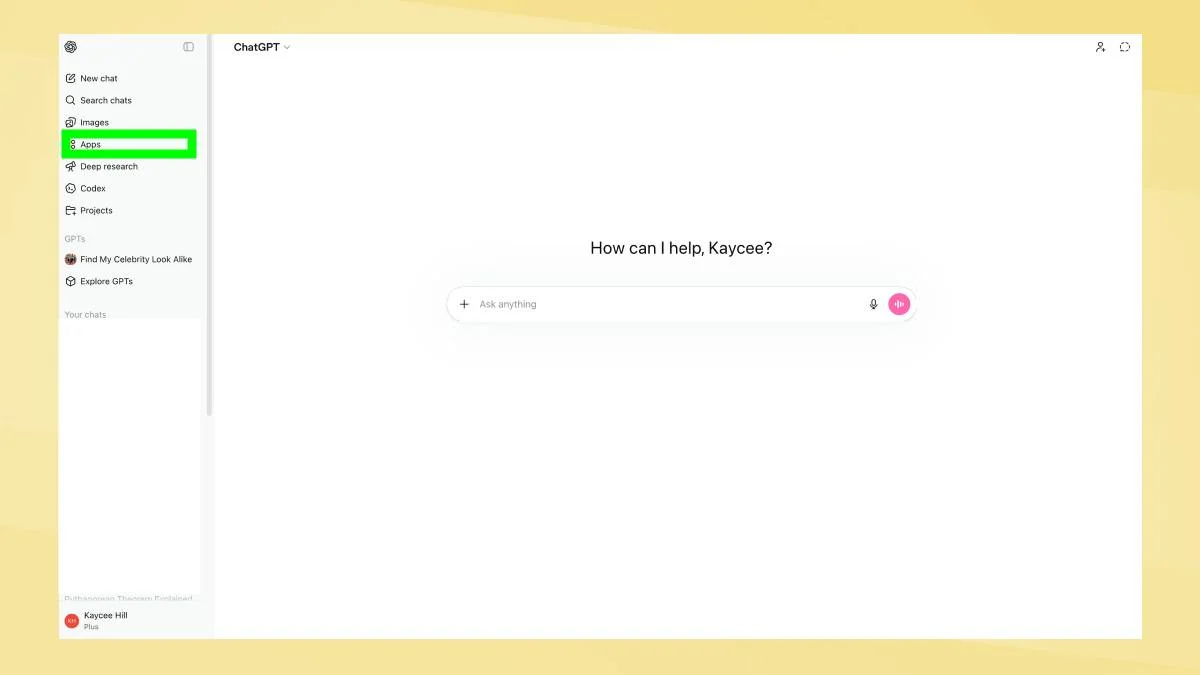
All these enhancements indicate that ChatGPT has evolved beyond a mere Q&A bot; it acts as a digital coworker. The combination of capabilities—research, task organization, and app integration—makes it an invaluable resource. Connecting with tools like Google Calendar and Spotify amplifies its usefulness, ensuring it becomes a more integral part of our daily workflow.
Final Thoughts
If your interaction with ChatGPT has been limited, you may be accessing just a fraction of its capabilities. With an array of new features designed to enhance workflow and productivity, revisiting ChatGPT could reveal a powerful ally in managing tasks and information. This all-in-one workspace can significantly save time as users familiarize themselves with its extensive offerings.
Follow Amanda Caswell and stay ahead of the AI curve