Bring Back Google Assistant: A Simple Workaround for Users Discontent with Gemini
Restoring Google Assistant
In a significant shift, Google transitioned to Gemini as the default digital assistant in September. This move sparked considerable debate among users who were unwilling to bid farewell to the familiar Google Assistant. The fact that many are seeking a way to restore this service highlights the attachment users have developed; Google Assistant wasn't just a tool, but part of their daily routine. Some users have managed to discover a workaround that allows them to reactivate Google Assistant on their Android devices, even after its official discontinuation. This situation raises questions about brand loyalty, functionality, and user experience, especially as artificial intelligence continues to shape the way we interact with technology.
How to Implement the Workaround
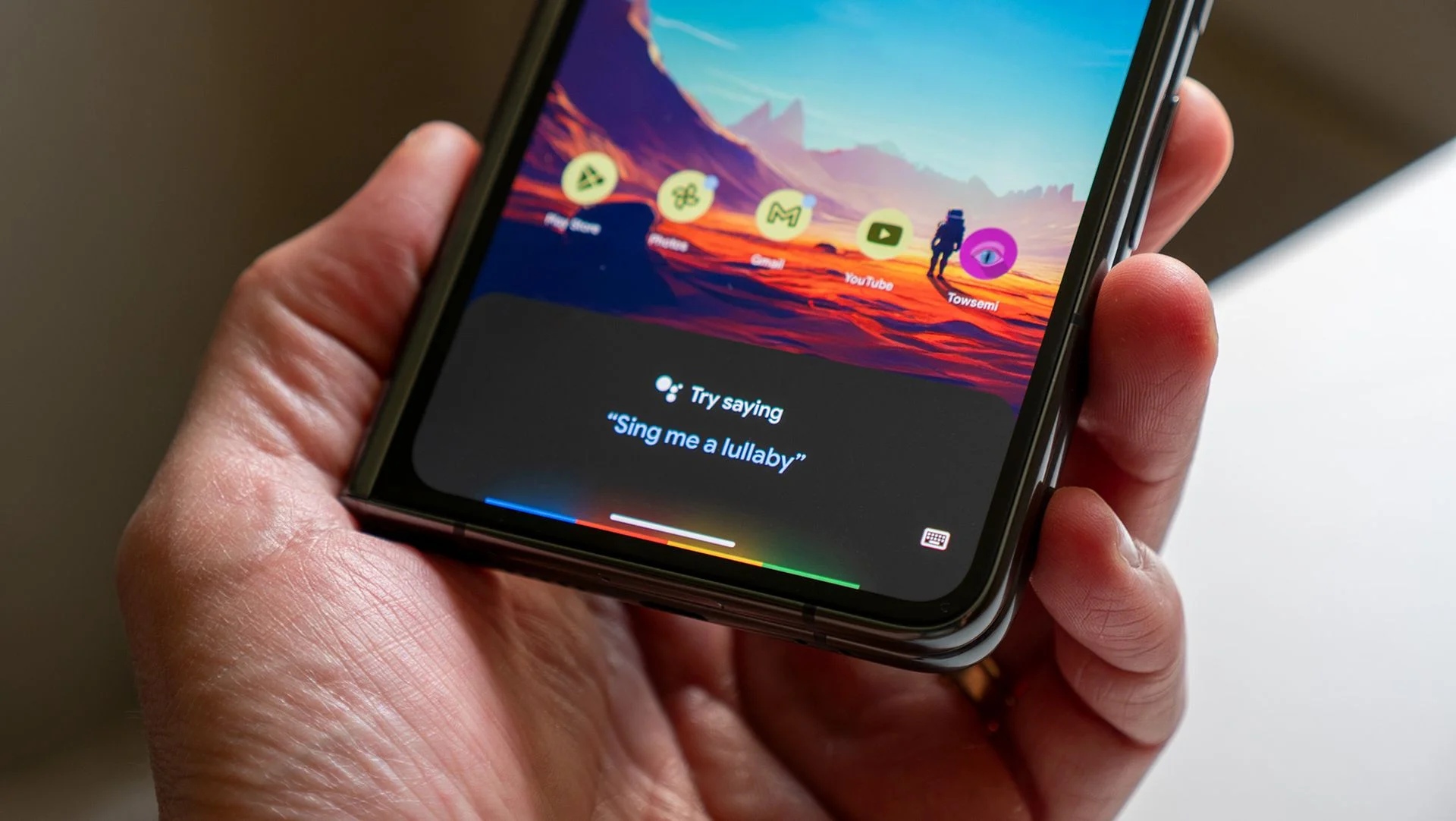
The workaround emerged after a post on Reddit outlined a method for regaining access to Google Assistant. By uninstalling updates to the Google app, users can revert to an earlier version that still supports Assistant. After the updates are removed, they can navigate to the Google Assistant page on the Play Store and reactivate the previous experience. This step is critical, as it essentially restores the app to its former state, allowing for the familiar interface and functions that many users prefer.
Upon attempting to launch Google Assistant, users will be prompted to switch to the newer Gemini system. However, the insightful post on Reddit suggests that by declining this switch, they can effectively maintain Google Assistant as their default digital assistant. Whether this workaround will hold up against Google's updates remains to be seen, but for now, it represents a form of resistance from loyal users who value the established Assistant over the new offering.
Managing App Updates
To maintain access to Google Assistant, effective app management is key. Users must take proactive steps to prevent automatic updates that could switch them to Gemini and render Google Assistant obsolete. By accessing the Google Play Store, searching for the Google app, and unchecking the box for automatic updates, users can protect their choice of assistant. This seemingly minor action has significant implications for how personal digital interactions are tailored. After all, the shift to Gemini isn't just an update; it's an entirely new way of engaging with Google services, and losing Google Assistant could diminish the user experience for many.
Staying current with app settings isn’t just a technical task; it’s an act of asserting user agency. In a tech ecosystem where updates often happen without direct user consent, taking the time to manage app updates reflects a deeper desire for control over one’s digital environment. This direct involvement is perhaps more relevant than ever, given the pace at which tech companies pivot in response to market demands.
The Future of Google Assistant
While this workaround offers a temporary solution for users yearning for the Google Assistant experience, it presents a less-than-stable future. There's no guarantee that Google won’t disable this method through updates or back-end changes. The company has a history of phasing out older technologies in favor of newer systems, regardless of user sentiment. For those who favor Google Assistant for its usability or simply the nostalgia it evokes, now might be the time to act. What this means for you is that if you're working in this space, especially in product management or user experience design, you should be aware of how quickly shifts can occur and how they might impact user satisfaction.
Some may view these actions as simply a stopgap, but there’s a larger conversation at play regarding user loyalty versus corporate progression. As tech giants continue to innovate and introduce alternatives, the challenge will remain: how can they reconcile changing products with user attachment to legacy systems? This is the part most people overlook. Balancing progression with legacy systems has implications that reach far beyond user preference; it’s about trust and reliability in an era defined by rapid changes.