Nothing OS 5.0 Brings Dual-View Video and Camera Updates to Phone 3a and 4a
Camera features lead Nothing OS 5.0’s next rollout
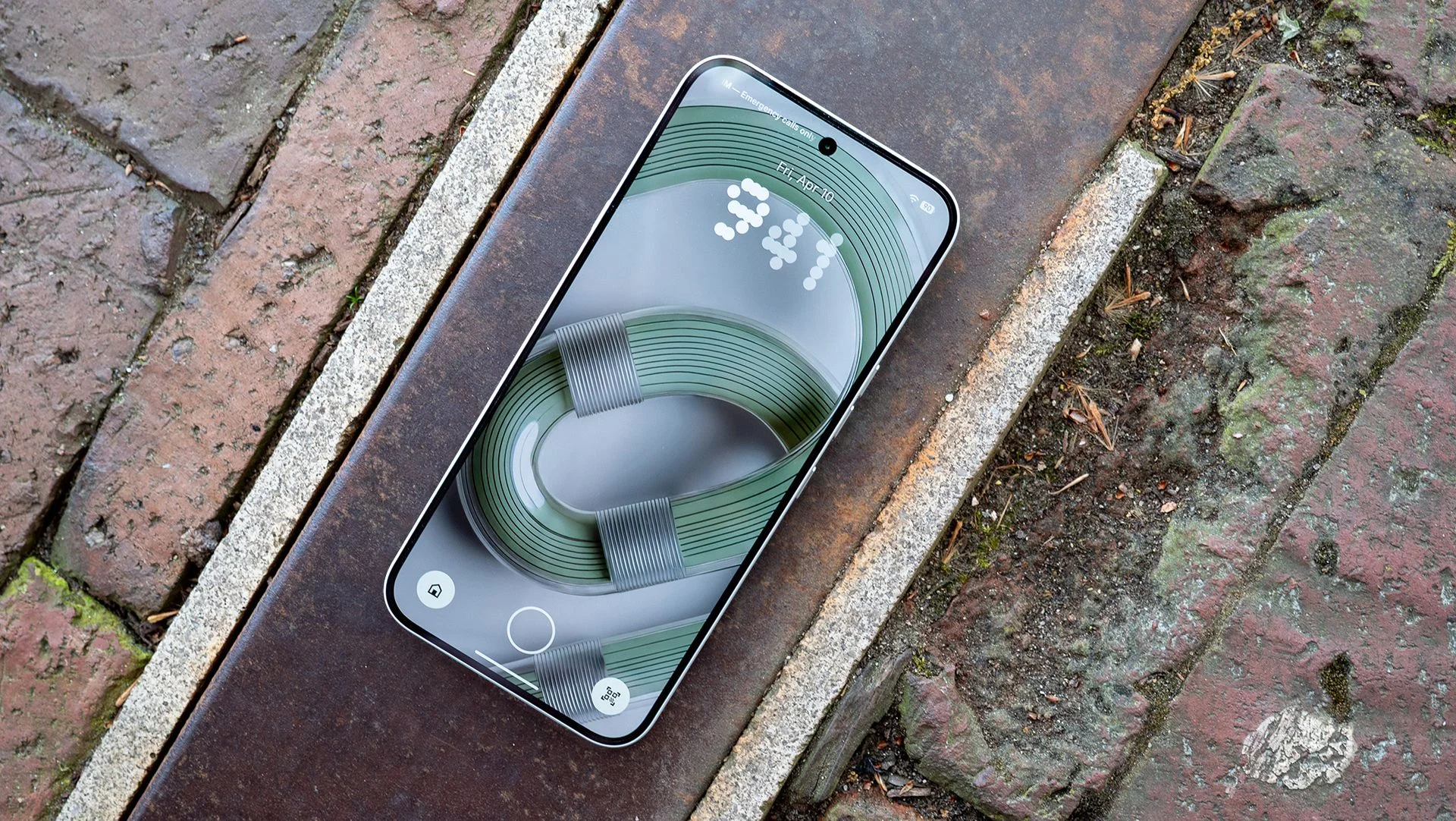
Nothing OS 5.0 adds practical camera tools to the Phone 3a and 4a series, including dual-view recording and a refreshed camera interface. The Android 17 update began rolling out on Oct. 30, following its mid-October release for the Phone 3. That sequence puts the company’s newer midrange phones in line for changes already introduced on its flagship, while giving each model some camera features of its own.
Nothing is distributing the update in stages, so availability varies by device. Users in the community posts report that some phones have received it while others, including beta participants, are still waiting. A staged release can make an update’s arrival feel uneven: a device’s model and software track may shape when it appears, and a public announcement doesn’t mean every eligible phone can install it immediately.
The Phone 3a series gets new video creation options: filters, tuning controls with seven adjustable effects, a reset option and updated editing presets. These additions give users more ways to adjust footage from the camera interface, while the reset option offers a straightforward way back when a change doesn’t work. That’s a modest but useful kind of update. It puts more control in the recording and editing flow without suggesting that the phones’ cameras or image quality have fundamentally changed.
The Phone 4a can record through its front and rear cameras at the same time using Dual-view Video. That setup is aimed at a familiar format: showing a scene and the person reacting to it in one recording. It could be handy for personal clips or informal explainers, though the feature’s practical value will depend on how often users want both views and how well the resulting video fits their needs.
Both series also receive revised camera controls, feedback and animations. Those details can shape how responsive and understandable a camera feels, especially when a user is switching modes or adjusting settings in the middle of a recording. Interface polish matters, but it’s difficult to judge from a changelog alone how substantial the changes feel in everyday use.
On the Phone 4a, Essential Voice transcription now runs with lower latency. The Phone 4a Pro is receiving its own update with additions alongside the base model’s changes. The available details here don’t spell out every Pro-specific addition, so the distinction is clear while its full scope remains difficult to assess from this summary.
What carries over from the Phone 3
The Phone 3 received Nothing OS 5.0 in mid-October, with expanded customization, updated Essential AI tools, a Glyph Interface app and the Geist typeface. Nothing describes Geist as “cleaner and easier to scan.” That mix of interface, customization and software features gives the update a wider remit than a camera refresh, and establishes the Phone 3 release as the first view of the changes now reaching more devices.
Essential AI improvements include faster real-time transcription and changes to Smart Collections, which can suggest and organize content automatically. Those capabilities give the update a broader scope than its camera additions, though the latest rollout’s most visible device-specific changes are in video capture. There’s a practical difference between adding a new recording mode and improving how a phone handles information: the first is easy to demonstrate, while the second may matter most when it becomes part of a regular routine.
Smart Collections’ ability to suggest and organize content also puts more emphasis on how the software sorts material for the user. The stated change is about automatic suggestions and organization; the details here don’t describe how those suggestions are made or how users can shape them. For anyone comparing the update across devices, the useful distinction is that Nothing is combining camera changes with broader interface and AI features, while the specific additions vary by model.
What the rollout means for users
With the Phone 3a and 4a series now joining the rollout, the next step for users is simply availability: Nothing’s staged deployment means the update may take time to reach each device. If you're working out whether your own phone is included, the model matters, and so does the rollout reaching your device. Reports from other owners can confirm that distribution has started, but they can’t establish when a particular phone will receive the update.
Here’s the thing: camera features often make a software update look more substantial because they produce visible results. Dual-view Video is easy to understand at a glance; lower-latency transcription and a revised interface may be less obvious until someone uses them repeatedly. The camera additions are the headline, but the update’s wider mix gives users more than one reason to pay attention.
That said, the numbers here are underwhelming as a measure of how much has changed: a list of seven adjustable effects tells you how many controls are offered, not whether the footage will look better or the tools will be easy to use. The same caution applies to revised controls and animations. Details in a changelog can identify what’s new, but they can’t substitute for trying the features on the device.
(and this is the part most people overlook) A staged rollout changes the immediate experience of an update: two people with phones in the same series may be reading about the same release while only one can install it. That gap doesn’t tell us whether one device is being favored or whether the update has a problem; the source only establishes that availability varies and some users are still waiting.
For Nothing, the rollout extends a shared software release across several models while preserving device-specific features. That approach can make the operating system feel more consistent across a product family, but users still need clear information about which features apply to their exact phone. The 3a’s video controls, the 4a’s simultaneous front and rear recording, and the Phone 4a Pro’s separate additions show why a single update name doesn’t tell the whole story.
And yet. The most useful test will be whether these changes fit the way people already use their phones: whether Dual-view Video is worth switching on, whether the 3a’s controls make adjustments easier, and whether transcription feels faster in practice. The rollout has started; the answers will depend on both availability and day-to-day use.
Nothing Phone 3a series changelog · Phone 4a Pro changelog